SASSA ID Verification Link Online 2026

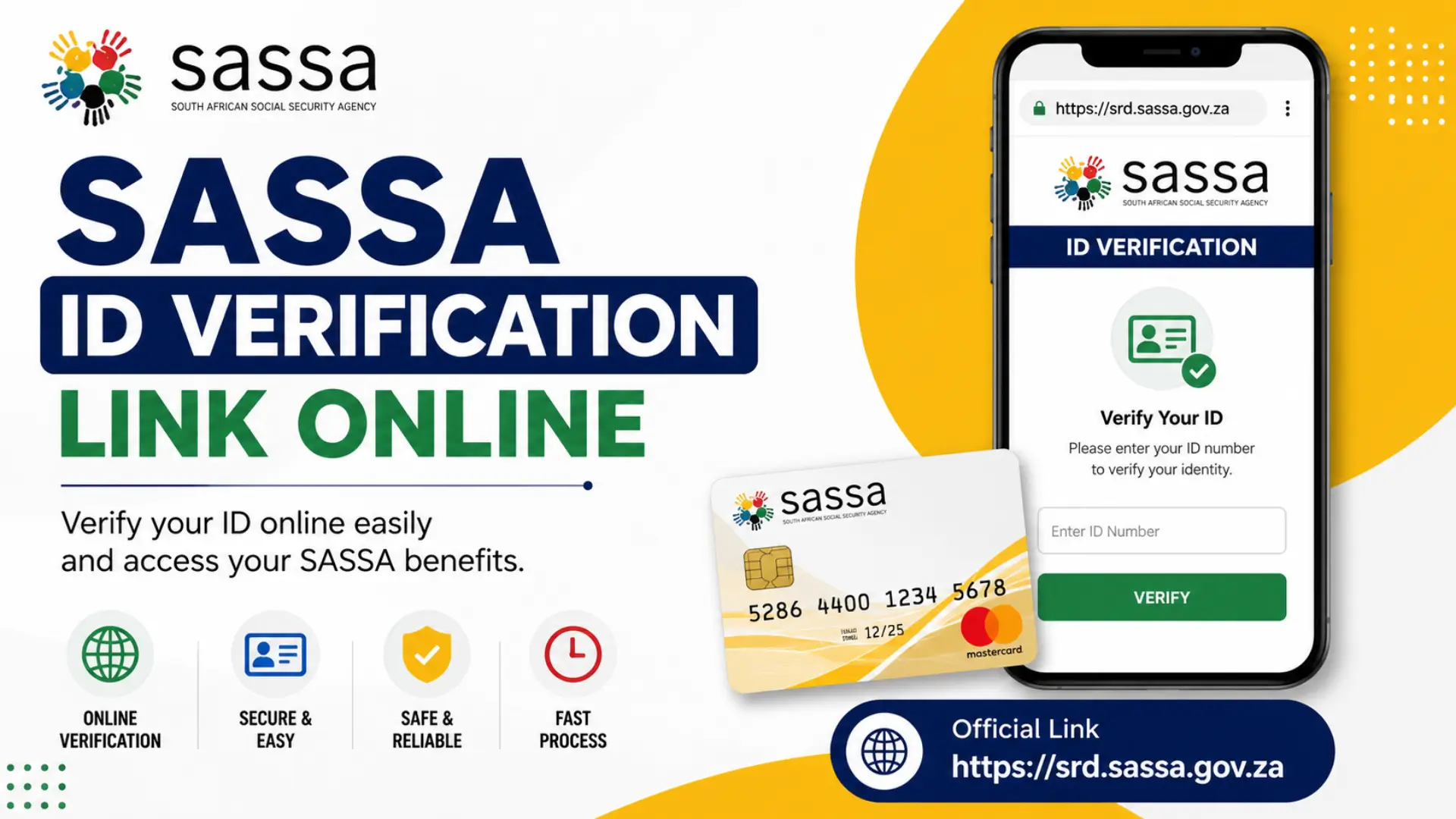
The SASSA ID Verification Link Online helps SRD grant applicants verify their identity through the official SASSA e-KYC system. If you have received an SMS or notification from SASSA requesting identity verification, you must complete the process to avoid delays in your SRD R370 grant application.
The official SASSA ID Verification links are:
Through the online verification system, applicants can confirm their identity using facial recognition technology and personal details linked to their South African ID number.
What is SASSA ID Verification?
SASSA ID Verification is an electronic identity confirmation process used to verify that the person applying for a grant is the legitimate owner of the submitted ID number.
The system uses:
- South African ID number verification
- Facial biometric verification
- Personal information matching
- Mobile number validation
This process helps SASSA prevent fraud and ensure that grants are paid to eligible beneficiaries only.
Related Post: SRD R370 Grant Application Guide
Why Does SASSA Request ID Verification?
SASSA may request identity verification for several reasons, including:
- Identity information mismatch
- Suspicious application activity
- New SRD grant application
- Change of personal details
- Verification of existing beneficiary records
If you receive an official verification request, complete it as soon as possible to prevent payment delays.
Official SASSA ID Verification Link Online
Applicants can access the official verification portal through the following link:
e-KYC Verification Portal: https://srd.sassa.gov.za/sc19/ekyc
SRD Portal: https://srd.sassa.gov.za/
Always use official SASSA websites and avoid third-party websites that claim to offer grant verification services.
How to Complete SASSA ID Verification Online
Follow these simple steps:
Step 1: Open the Verification Link
Visit the official SASSA e-KYC portal.
Step 2: Enter Your Details
Provide:
- South African ID Number
- Registered cellphone number
Step 3: Receive Verification SMS
SASSA will send a secure verification link to your registered mobile number.
Step 4: Open the Verification Link
Click the link received via SMS.
Step 5: Complete Facial Recognition
Use your smartphone or computer camera to complete the facial biometric verification process.
Step 6: Submit Verification
After successful verification, your information will be submitted automatically to SASSA for review.
Requirements for SASSA e-KYC Verification
Before starting the process, ensure you have:
- Valid South African ID document
- Registered cellphone number
- Smartphone, tablet, or computer
- Stable internet connection
- Working camera for facial recognition
- Good lighting during verification
Related Post: SASSA Biometric Verification System
Common SASSA ID Verification Problems
Many applicants experience issues during verification.
Verification Link Not Working
Try:
- Refreshing the page
- Using a different browser
- Clearing browser cache
- Trying again later
No SMS Received
Ensure:
- Your registered number is active
- Network signal is available
- You entered the correct ID number
Facial Verification Failed
To improve success:
- Use natural lighting
- Remove hats and sunglasses
- Keep your face clearly visible
- Use a higher-quality camera if available
Related Post: SASSA Appeal Process Online
How Long Does SASSA Verification Take?
Most identity verification requests are processed within a few days. However, during periods of high application volume, reviews may take longer. Applicants should regularly check their SRD application status after completing verification.
What Happens After Successful Verification?
Once your identity is successfully verified:
- Your SRD application moves to the next review stage
- SASSA validates your eligibility
- Payment assessment continues
- Approved beneficiaries receive payment notifications
Successful verification does not automatically guarantee grant approval, but it is a required step for processing your application.
Related Post: SASSA Payment Dates & Status Check
Important Tips for SASSA ID Verification
- Use only official SASSA portals.
- Complete verification immediately after receiving the request.
- Ensure your cellphone number is active.
- Use a device with a good-quality camera.
- Keep your personal details updated with SASSA.
Frequently Asked Questions
What is the official SASSA ID Verification Link Online?
The official verification portal is: https://srd.sassa.gov.za/sc19/ekyc
Can I complete SASSA verification on my phone?
Yes. Most applicants complete the process using a smartphone with a working camera and internet connection.
Why did SASSA ask me to verify my identity?
SASSA may request verification to confirm your identity, prevent fraud, or resolve information mismatches.
How long does SASSA verification take?
Processing times vary, but most verifications are reviewed within several days.
What should I do if facial recognition fails?
Retry the process in a well-lit area using a clearer camera and ensure your face is fully visible.
Conclusion
The SASSA ID Verification Link Online is an important tool for SRD R370 grant applicants who need to confirm their identity through SASSA’s e-KYC system. Completing the verification process correctly can help prevent delays and ensure that your application continues through the assessment process. Always use the official SASSA verification links and carefully follow all instructions provided by SASSA.