How to Change the Number on SASSA SRD?

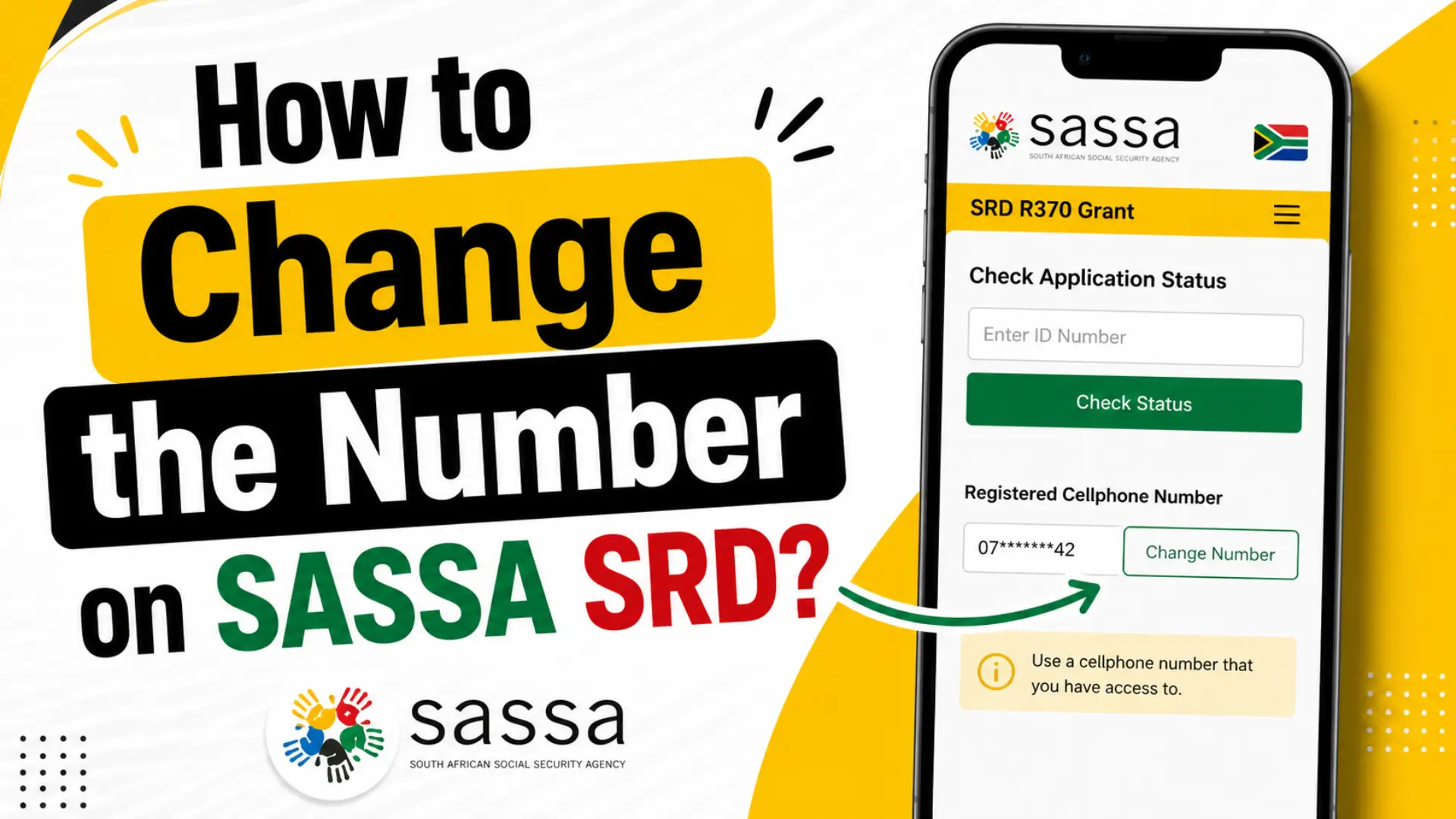
How to Change the Number on SASSA SRD? If you need to know how to change the number on SASSA SRD, you are not alone. Thousands of South Africans face this problem every month: a lost SIM card, a stolen phone, or simply switching networks. Whatever the reason, your phone number is the most important contact detail tied to your SRD R370 grant. Without it working correctly, you will not receive your OTP, payment notifications, or status updates.
The good news? SASSA makes it possible to update your cellphone number online, over the phone, via WhatsApp, and even at a SASSA office. This guide covers every method clearly, step by step, so you can get your number changed quickly and keep receiving your grant without interruption.
Why You May Need to Change Your Number on SASSA SRD
Before jumping into the steps, it helps to understand the common reasons people need a SASSA cell number change:
- Lost or stolen phone: If your phone was stolen, someone could use your SIM to intercept your OTPs and access your grant.
- New SIM card: Switching from MTN to Vodacom, or getting a new number, means SASSA can no longer reach you on the old one.
- Wrong number captured at application: Many people had a family member or friend apply on their behalf and used the wrong number.
- Old number registered under someone else’s name: SASSA requires your number to be RICA-registered in your own name.
- No longer receiving OTPs: If OTPs stopped arriving, the registered number may be inactive or expired.
Important: Your grant payments are not stopped while you update your contact details. Only your contact information changes, not your grant status. If you want to confirm your payment is still scheduled, you can review the latest SASSA payment dates and status at any time.
What You Need Before You Start
Make sure you have the following ready before you attempt a SASSA SRD how-to-change-number request:
| Requirement | Details |
|---|---|
| South African ID Number | Your 13-digit SA ID used during application |
| Old Phone Number | Required for the online method (if available) |
| New Phone Number | Must be RICA-registered in your own name |
| Internet Connection | Needed for the online/portal method |
| Application ID (optional) | Helps speed up the process, but not always required |
How to Change the Number on SASSA SRD – All Methods
Method 1: Change Your Number on SASSA SRD Online (Official Portal)
This is the fastest and most recommended method. Here is exactly how to do it:
- Open your browser and go to srd.sassa.gov.za
- Click on “SA ID Number”
- Select “How can I change my Mobile details?”
- Enter your 13-digit South African ID number
- Select the reason for change from the dropdown:
- New phone
- Captured number wrong
- Used a third party’s phone
- Lost phone
- Complete the identity verification step (see note below)
- Enter your new phone number
- Create or confirm your PIN
- Submit the request
Note on Biometric Verification (e-KYC): Since September 2025, SASSA requires identity verification for phone number changes. For most options, this involves a face scan (liveness check) powered by iidentifii. For the “Lost Phone” option, you can verify using the last 4 digits of your bank account instead. SASSA will send you an SMS with a verification link. Open it immediately on a device with a front-facing camera, in good lighting. The scan takes under a minute.
Tip: Only one contact update per ID is allowed every 24 hours. If your request fails, wait a full day before trying again.
Method 2: How to Change Your SRD Phone Number Without an Application ID
Many people worry that they cannot change their number because they do not have their Application ID. Do not worry this is no longer required.
Here is how to change your number without an Application ID:
- Visit srd.sassa.gov.za
- Click “SA ID Number”, not the Application ID option
- Follow the same steps as Method 1 above
- Use your bank account’s last 4 digits OR face scan for identity verification
- Enter your new number and submit
If you need to find your Application ID later, you can check it by running a status check on your account it will appear in your application details. For full eligibility, payment cycle, and status-check guidance, see our complete SRD R370 grant guide.
Method 3: SASSA Change Number via Call Centre
If the online portal is not working or you are struggling with biometric verification, call SASSA directly:
- SASSA Toll-Free Number: 0800 60 10 11
- Available: Monday to Friday, 8 am to 4 pm
When you call:
- Tell the agent you want to change your phone number for your SRD grant
- Have your 13-digit ID number ready
- Have your old phone number ready (if you still remember it)
- Answer the security questions the agent asks (name, date of birth, etc.)
- The agent will process the change; it may take a few days to reflect
For all official numbers, WhatsApp lines, and regional offices, see our up-to-date list of SASSA contact details.
Method 4: How to Change Your SASSA Number via WhatsApp
SASSA has an official WhatsApp number for beneficiary support:
- SASSA WhatsApp: 082 046 8553
Send a message saying you want to update your contact details. Follow the automated prompts. This option may redirect you to the portal for final verification, but it is a useful starting point if you are having trouble with the website.
Method 5: Visit Your Nearest SASSA Office
If all online methods fail especially if you have lost access to both your old number and cannot complete biometric verification visiting a SASSA office in person is your best option.
What to bring:
- Your original South African ID or green barcoded ID book
- The new SIM card registered in your name
- Any proof of the old number (old phone, SIM card, etc., if available)
A SASSA official will update your number manually. This method takes longer but is reliable for difficult cases.
How Long Does the SASSA SRD Number Change Take?
| Method | Estimated Processing Time |
|---|---|
| Online Portal (with biometric) | Instant to 72 hours |
| Call Centre | 2 to 7 business days |
| 24 to 72 hours | |
| SASSA Office (in person) | 7 to 14 business days |
After the change, you can confirm it by checking your status on srd.sassa.gov.za after 14 days.
How to Change a Lost Number on SASSA SRD?
If you have completely lost access to your old number meaning you cannot receive any OTP on it follow these steps:
- Go to srd.sassa.gov.za
- Click “How can I change my Mobile details?”
- Enter your ID and select “Lost Phone” as the reason
- You will be asked for the last 4 digits of your bank account (instead of the face scan)
- Enter your new number and complete the update
If this still fails, visit a SASSA office with your ID and new SIM card for manual processing.
How to Change Your SASSA Number to Protect Against Fraud?
SASSA takes security seriously. If you received an SMS saying your phone number was changed, but you did not request it, act immediately:
- Click the link in the SMS SASSA sent to you it will flag the change as unauthorized
- Call SASSA on 0800 60 10 11 and report a suspected fraud
- Visit a SASSA office with your ID
- Open a SAPS case for identity theft and keep the case number
- Contact your bank and mobile network in case of a linked SIM swap
If your application was declined or your payment was blocked because of suspicious changes, you can also submit an SASSA appeal within 90 days to have the decision reviewed.
Warning: Never share your ID number, OTPs, or SASSA SMS links with anyone not even someone claiming to be a SASSA agent.
Common Problems and How to Fix Them
| Problem | Solution |
|---|---|
| OTP not arriving on the new number | Check signal, ensure SIM is RICA-registered, try during off-peak hours |
| Face scan not working | Good lighting, stable internet, and a front-facing camera are required |
| “No application found” error | Double-check your ID number for typos |
| Request rejected after 24 hours | Wait 24 hours and try again; only 1 update per ID per day |
| Cannot remember the old number | Use the “Lost Phone” option with the last 4 digits of the bank account |
| Biometric link expired | Wait 24 hours, restart the request from the beginning |
How to Change Account Number on SASSA SRD
While you are updating your contact details, you may also want to update your banking details. Here is how to change your account number on SASSA SRD:
- Visit srd.sassa.gov.za
- Select “Update Banking Details”
- Enter your ID number and new bank account details
- Complete identity verification
- Submit
Keeping your banking details accurate is just as important as your phone number. Your R370 grant is paid directly into the account on record. For a full walkthrough with screenshots and troubleshooting, read our dedicated guide on SASSA banking details update.
Frequently Asked Questions
Conclusion
Knowing how to change the number on SASSA SRD is essential for any beneficiary who has lost access to their registered phone. Whether you use the online portal, the SASSA call centre, WhatsApp, or visit an office in person, the process is manageable when you follow the right steps.
The most important things to remember:
- Your new SIM must be RICA-registered in your own name
- You only need your 13-digit SA ID, not your Application ID
- The biometric (face scan) verification is now mandatory for most requests
- Your grant payments are not affected while the change is processing
If you are still struggling, call SASSA on 0800 60 10 11 or visit your nearest SASSA office. Do not let an outdated phone number stand between you and your monthly grant.