SASSA Banking Details Update: How to Change Your SRD R350 Bank Account

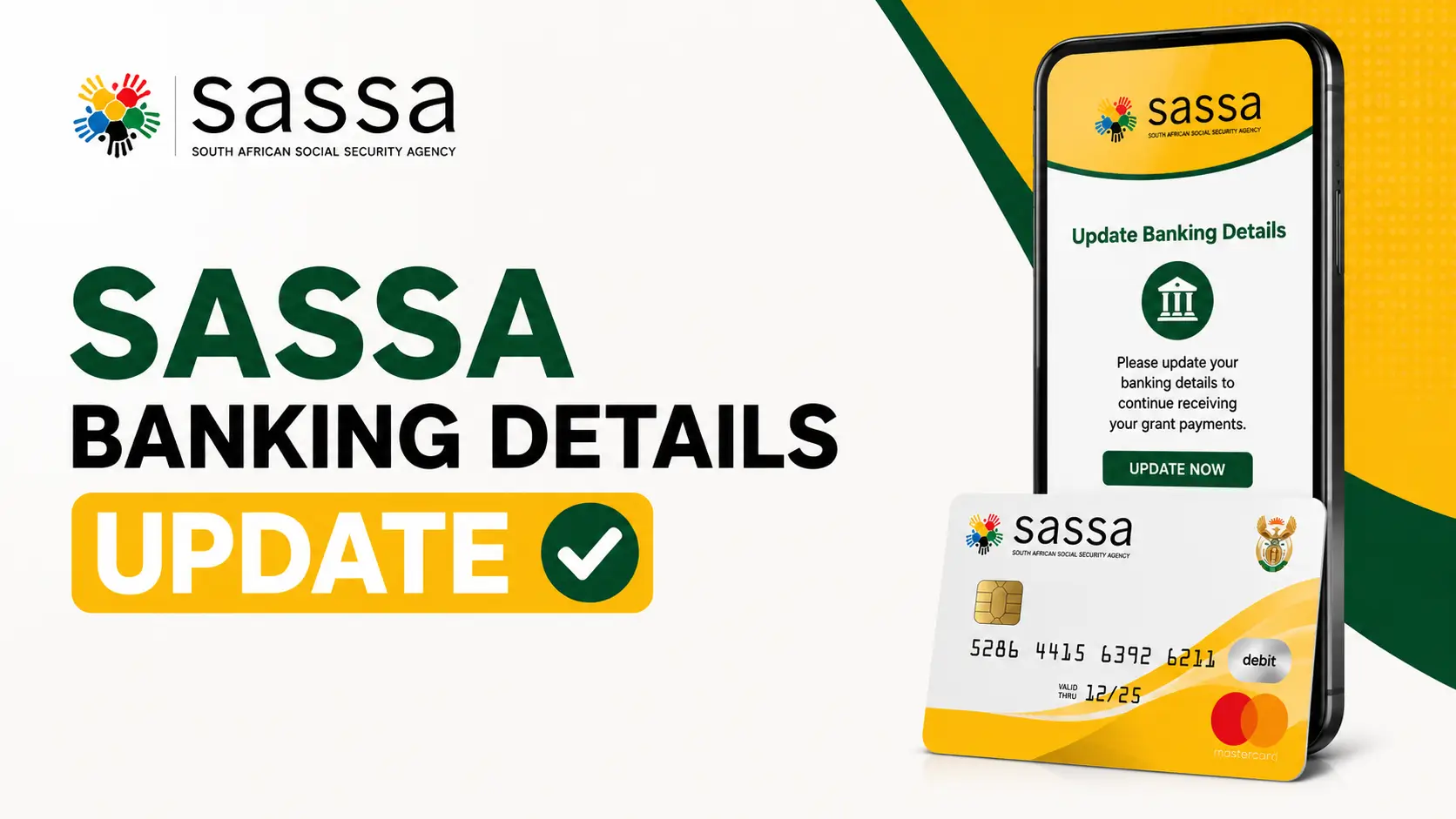
If you receive the SRD R350 grant (now increased to R370), keeping your bank account information correct is the most important step to getting paid on time. This article explains the full SASSA banking details update process, what the www.sassa.gov.za banking details page looks like, and how to avoid the most common mistakes that delay payments.
What Is the SASSA Banking Details Update?
The SRD SASSA gov za banking details system lets approved applicants tell SASSA which bank account should receive their monthly grant. SASSA never asks for your details by SMS or WhatsApp you must always use the official SASSA banking details link on srd.sassa.gov.za. Updating your details ensures money is paid straight into your own bank account instead of a cash-send or post office collection.
Who Needs to Update SASSA Banking Details?
Not every beneficiary needs to update their banking details but several situations make it essential. Here is who must act urgently in 2026:
- You changed banks: If you switched from Absa to FNB, or any other bank, your old account number is no longer valid for SASSA payments.
- Your bank account was closed: A closed account will cause your payment to bounce back to SASSA.
- Your details are incorrect: Even one wrong digit in your account number will block your payment.
- You want to switch payment methods: For example, moving from a Postbank account to a SASSA banking details link TymeBank option.
- You are experiencing payment failures: If you have not received your grant on payment day, your banking details are likely the cause.
- You changed your phone number: Your registered mobile number is used for verification, so this must also be updated.
Pro tip: Even if you have not changed banks, check your SASSA banking details online every few months to confirm everything is correct and active.
How to Update SASSA Banking Details Online
The official SRD banking details link allows you to update your details from any smartphone, tablet, or computer. Follow these steps carefully for a successful SASSA payment method update:
- Visit the Official SASSA SRD Website: Open your browser and go to srd.sassa.gov.za. This is the only official platform for the SRD grant banking update. Avoid third-party sites claiming to offer this service.
- Click on “Banking Details”: On the SRD homepage, find and click the Banking Details or Update Banking Details option. This is the official SRD gov za banking details update portal.
- Enter Your South African ID Number: Type your 13-digit South African ID number exactly as it appears on your ID document. Double-check before submitting.
- Enter Your Registered Mobile Number: Provide the cellphone number linked to your SASSA application. SASSA will send a one-time PIN (OTP) to this number for verification.
- Verify with the OTP: Check your phone for the verification SMS and enter the OTP on the website. This step confirms your identity before any changes are made.
- Submit Your New Banking Details: Enter your new bank name, branch code, account number, and account type. Make absolutely sure all details match your bank account exactly.
- Complete the SASSA Bank Verification: SASSA will run a SASSA bank account verification check on your submitted details. You will receive a confirmation SMS once the update is processed.
Important: Only use the official website srd.sassa.gov.za or www.sassa.gov.za. Never share your OTP or ID number with anyone claiming to help you update your details.
How to Change Banking Details for the R350 Grant
Follow these steps to complete the SASSA change banking details for R350 process online:
- Visit the official website at www.sassa.gov.za or go directly to srd.sassa.gov.za.
- Open the SASSA banking details link 350 (labelled “Banking Details” or “How do you want to be paid?”).
- Enter the ID number you used when applying for the SRD grant.
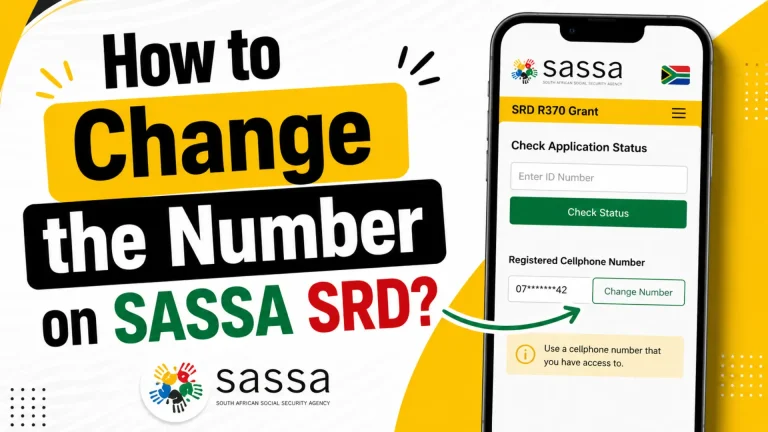
- Enter your registered phone number and tap “Send Pin/OTP”.
- Enter the One-Time Pin (OTP) you receive by SMS to verify it’s you.
- Select your bank, capture your account number, and confirm the account is in your own name.
- Submit and wait for SASSA to verify your details.
SASSA Banking Details Link for TymeBank
Many recipients use TymeBank because it is free and quick to open. To set up the SASSA banking details link TymeBank option:
- Open a free TymeBank account at a TymeBank kiosk (found in Pick n Pay and Boxer stores) or through the TymeBank app.
- Make sure the account is registered in your own name and ID number.
- Copy your 10-digit TymeBank account number.
- Go to the SRD gov za banking details update page, select “TymeBank”, and enter your account number.
Other banks such as Capitec, FNB, Standard Bank, Nedbank and Absa work the same way just choose your bank from the list during the update.
Required Information for Banking Details Updates
Before you start the change banking details for SASSA process, gather all the required documents and information. Being prepared avoids failed submissions and unnecessary delays.
- Valid South African ID number (13 digits)
- Registered mobile number linked to your SASSA account
- New bank account number
- Bank name (e.g., Capitec, FNB, Absa, TymeBank, Nedbank)
- Bank branch code
- Account type (savings, cheque, or transmission)
- Your full name as it appears on the bank account
- Access to your phone to receive the OTP verification SMS
Your name on the bank account must exactly match your SASSA registration name. Any difference will cause a SASSA bank verification failure.
SRD SASSA gov za Banking Details Update for R370
The SRD grant amount has been adjusted, so you may see references to the SRD SASSA gov za banking details update 370. The banking details process is exactly the same whether the amount is R350 or R370 the increase is applied automatically once your account is verified. You do not need to re-apply just because of the new amount.
How Long Does SASSA Banking Details Update Take?
Processing times vary depending on the type of update and the current workload on the SASSA system. Here is a realistic timeline for your SASSA Banking Details Update 2026:
| Stage | Timeframe | What Happens |
|---|---|---|
| Online submission | Immediate | Your details are received by SASSA |
| OTP verification | Instant – 5 minutes | Your identity is confirmed via SMS |
| Bank verification | 1–5 business days | Your account is validated by the banking system |
| SASSA approval | Up to 7 business days | SASSA confirms and updates your payment profile |
| First payment to new account | Next payment cycle | Grant paid to updated account on payment date |
If more than 10 business days have passed with no confirmation, contact SASSA directly at 0800 60 10 11 (toll-free) or visit your nearest SASSA office.
How to Check if Your Banking Details Were Updated Successfully
After submitting your update through the official www SASSA gov za banking details portal, you can confirm success through these methods:
- Confirmation SMS: SASSA sends a text message to your registered number confirming that your banking details have been updated.
- Online status check: Visit srd.sassa.gov.za and use the SRD SASSA gov za banking details status check balance feature to view your current payment method on record.
- Check your bank account: On your next SASSA payment date, log into your bank account and confirm the grant was deposited.
- Call SASSA: Contact the SASSA helpline on 0800 60 10 11 to confirm your details were updated successfully.
How to Check Your SASSA Status and Balance
After updating, confirm everything is correct using the SASSA banking details status check balance tool:
- Return to srd.sassa.gov.za and open “Check Status”.
- Enter your ID number and registered phone number.
- View your monthly status look for “Approved” and a confirmed payment date.
- Check your outstanding balance and which months are still pending payment.
Common Reasons a Banking Update Fails
- Account not in your name: SASSA only pays accounts that match your ID.
- Inactive or closed account: Dormant accounts are rejected during verification.
- Wrong account number: Double-check every digit before submitting.
- Name mismatch: Your bank profile name must match your SASSA records.
Tips to Avoid Banking Detail Update Problems
Following these practical tips will save you time and prevent frustrating SASSA payment delays in 2026:
- Always use your own bank account: SASSA only accepts accounts in your name. Using a family member’s account will result in verification failure.
- Double-check every digit: Copy your account number directly from your bank app or statement. One wrong number blocks your payment.
- Keep your phone number updated: Your registered mobile number receives OTPs and payment notifications. If it changes, update it with SASSA first.
- Submit only once: Sending multiple update requests creates system conflicts. Submit your details once and allow up to 7 business days for processing.
- Use the official SASSA website only: The SRD SASSA gov za banking details portal is the only legitimate platform. Avoid unofficial websites or social media links.
- Consider TymeBank or Capitec: Many beneficiaries use the SASSA banking details link TymeBank option because of free withdrawals and easy account access.
- Check your SASSA status regularly: Use the official portal to monitor your SRD SASSA gov ZA banking details update 370 or R350 payment status after any changes.
Stay Safe From Scams
SASSA will never charge you to update banking details and will never ask for your PIN or OTP over the phone. Only ever use the official www.sassa.gov.za banking details page. If a message asks you to pay a fee or click an unfamiliar link, it is a scam.
Frequently Asked Questions
Conclusion
Keeping your banking information accurate is one of the most important things you can do as a SASSA grant beneficiary. The SASSA Banking Details Update 2026 process is straightforward when you follow the official steps through srd.sassa.gov.za.
Remember to use your own bank account, submit details only once, and allow up to 7 business days for SASSA bank verification to complete. If you experience issues, check your status online or contact SASSA directly on their free helpline.
Disclaimer: This article is an informational guide only and is not affiliated with SASSA or the South African government. Always confirm details on the official website, www.sassa.gov.za.