SRD ID Verification: SASSA eKYC Guide 2026

If you’ve logged into the SRD portal recently and seen a message about “Identity Verification Required” or “eKYC,” you’re not alone. Thousands of applicants for the SRD R370 grant run into this step every month, and for many, it’s the only thing standing between them and their next payment.
The good news? SRD ID verification isn’t a punishment, and it doesn’t mean your application has been rejected. It’s simply SASSA’s way of confirming that you are who you say you are, using a quick digital process that takes a few minutes if you know what you’re doing.
In this guide, we’ll walk through what SRD ID verification means, how to find and use the SRD identity verification link, what each status result tells you, and how to fix the most common problems. We’ll also share a realistic example of how this process plays out, plus a few practical tips drawn from watching this process trip people up again and again.
What Is SRD ID Verification?
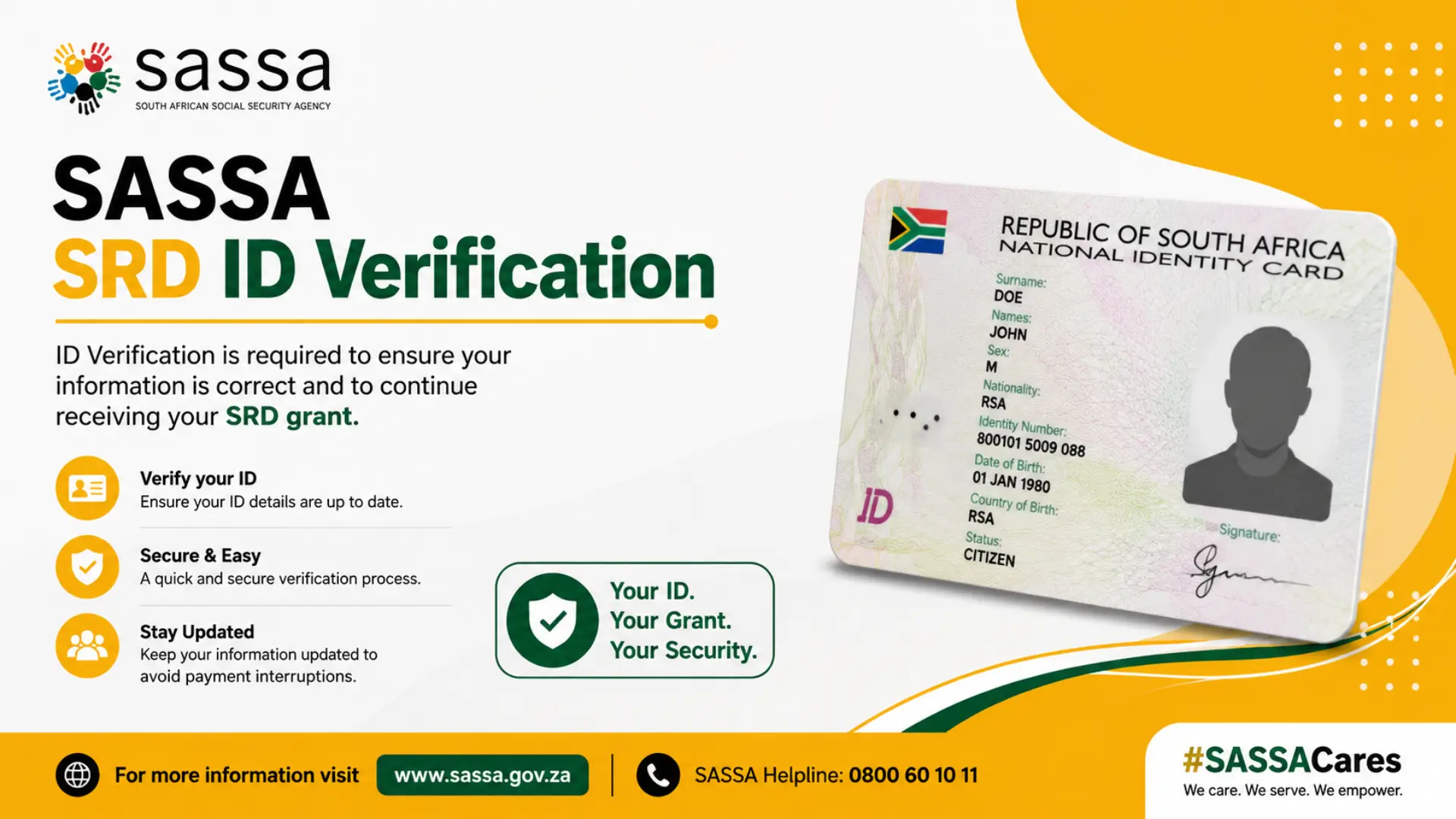
SRD ID verification is part of SASSA’s eKYC (electronic Know You Customer) process for the Social Relief of Distress grant. In simple terms, it’s a digital identity check that confirms the person applying for the R370 SRD grant matches the ID number on file.
Instead of requiring everyone to queue at a SASSA office with their green ID book or smart card, the system uses a combination of:
- Your South African ID number
- The cellphone number linked to your SRD application
- A One-Time Pin (OTP) sent via SMS
- A live selfie or short facial scan taken with your phone’s front camera
Together, these elements allow SASSA to cross-check your details against records held by the Department of Home Affairs. If everything matches, your SRD identity verification update is processed automatically, often within a day or two.
Not everyone is asked to go through this. SASSA typically triggers it when an application is flagged for review, personal details don’t line up across systems, or a status shows as “Referred.”
Why SASSA Requires Identity Verification for the R350/R370 Grant
It helps to understand the “why” behind SRD ID verification, because it explains a lot about how the process works.
SASSA cross-checks every SRD application against multiple government databases, including the South African Revenue Service (SARS), the Unemployment Insurance Fund (UIF), and Home Affairs. This is part of the ongoing means test that determines whether someone still qualifies for the R370 grant each month.
When these systems flag a mismatch — say, your ID number was recently linked to a new SIM card, or your application details don’t quite match Home Affairs SASSA doesn’t automatically decline you. Instead, it asks you to complete identity verification so the discrepancy can be confirmed.
In short, SRD ID verification exists to:
- Confirm you’re a real person and not a duplicate or fraudulent entry
- Protect the integrity of the R36.4 billion SRD budget allocated for the 2026/27 financial year
- Reduce the number of people who need to physically visit a SASSA office
- Speed up the move from “Referred” to “Approved” status
Think of it as SASSA’s way of saying, “we just need one more confirmation before we can continue paying you.”
How to Find the SRD Identity Verification Link Online
This is where a lot of confusion happens, mostly because there are dozens of unofficial websites that look similar to SASSA’s real portal.
The official starting point for SRD ID verification is always srd.sassa.gov.za. From there, applicants are usually directed to the SASSA SRD SASSA gov za KYC verification page, sometimes shown under a URL pattern like srd.sassa.gov.za/sc19/ekyc.
Here’s how to make sure you’re using the correct SASSA ID verification link online:
- Type the address manually rather than clicking links from unknown WhatsApp groups or Facebook posts
- Check that the web address starts with “https://srd.sassa.gov.za” not a similar-looking domain
- Never enter your ID number or banking details on a site that asks for payment first
- If you receive an SMS with a verification link, confirm it was sent in response to your own status check before clicking
A quick reality check: SASSA will never ask you to pay a fee to “unlock” your identity verification. If a website or message asks for money before you can verify, it’s not legitimate, and you should avoid it entirely.
How to Complete SRD ID Verification (eKYC) Online
Once you’re on the correct portal, the actual process to request identity verification for SASSA R350 grants is fairly straightforward. Here’s how it typically works, step by step.
Step 1: Check Your SRD Status First
Go to the SRD portal and enter your 13-digit ID number along with the cellphone number used when you applied. This shows your current status and whether identity verification is needed.
Step 2: Look for “Identity Verification Required” or “Referred”
If your status shows either message, you’ll usually see a link to begin the e-KYC verification process.
Step 3: Enter Your Cellphone Number and Application ID
Enter the cellphone number linked to your SRD application and your Application ID (sent via SMS when you first applied). Double-check both fields, since even one wrong digit can cause the request to fail.
Step 4: Request and Enter Your OTP
Tap “Send PIN,” and SASSA will text a one-time PIN to your phone. Enter it exactly as received, since it usually expires after a short window.
Step 5: Complete the Facial Verification (Selfie Scan)
This is the biometric verification part of SRD ID verification. Using your phone’s front camera, you’ll be asked to take a clear photo of your face.
A few tips for this step:
- Find good, even lighting avoid backlighting from windows
- Remove sunglasses, hats, and heavy makeup that could obscure your features
- Look directly at the camera and follow any on-screen prompts (blinking, turning your head slightly, etc.)
- Hold your phone steady to avoid a blurry capture
Step 6: Submit and Wait for Confirmation
Once submitted, the portal should display a message confirming your request was received. Some applicants see an instant result, while others see a “processing” message.
Step 7: Recheck Your SRD ID Verify Status
After completing the steps above, return to the main SRD status page and run your SRD SASSA ID verify status check again. If your status was “Referred,” it may now move to “Pending” or “Approved” once SASSA finishes reviewing your verification.
Understanding Your SRD Identity Verification Statuses
One of the most common questions people ask is simply: “What does my result actually mean?” Here’s a breakdown of the statuses you might see during or after SRD ID verification.
| Status Shown | What It Means | What You Should Do |
|---|---|---|
| Successful | Your identity has been confirmed and matches Home Affairs records | Recheck your SRD status in 24–48 hours for an updated decision |
| Pending | Verification was submitted and is still being processed | Wait a few days before checking again; avoid resubmitting repeatedly |
| Referred | SASSA needs further checks, often from a third-party database | Continue monitoring your status; no immediate action usually required |
| Requires Action / Verification Failed | The selfie didn’t match your ID photo, or details didn’t align | Retry the eKYC process using the re-verification option |
| Identity Verification Fixed | An appeal reason confirming the underlying issue has been resolved | Use this option only after the original mismatch has genuinely been corrected |
This table is a useful reference, but remember that SASSA reassesses SRD eligibility every single month against the income threshold. So even a “Successful” identity verification result doesn’t guarantee approval for every future cycle it simply clears that particular hurdle.
Common Issues With SRD ID Verification
Even when people follow the steps correctly, a few recurring problems tend to come up. Here’s what to watch for.
1. “Verification Failed” After a Selfie Attempt
This usually happens when the selfie doesn’t closely match your Home Affairs photo. Try again in better lighting, without sunglasses, hats, or filters, and make sure your face fills the frame.
2. OTP Not Arriving
If your PIN doesn’t arrive, check that the cellphone number entered matches exactly what’s on your SRD application. A mismatched number is one of the most frequent causes of stuck verification.
3. “No SRD Application Found” Error
This usually means there’s a typo in your ID number, or your application was never successfully submitted. Double-check every digit before trying again.
4. Status Stuck on “Referred” for Weeks
A referred status often relates to a Home Affairs, UIF, or SARS database check happening in the background. If it persists beyond the standard processing window (generally a few weeks), it’s reasonable to visit a SASSA local office with your ID and any supporting documents, or look into the SASSA appeal process if your status changes to declined.
5. Using the “Identity Verification Fixed” Option Too Early
Some applicants select an appeal reason like “SRD identity verification fixed” before actually resolving the underlying mismatch for example, updating their details with Home Affairs. This can lead to another rejection, so it’s worth reviewing the full SASSA appeal process before resubmitting. Only use this option once you’re confident the root issue (wrong ID details, mismatched name, etc.) has genuinely been corrected.
6. Multiple Submissions in a Short Time
Resubmitting your eKYC verification repeatedly within hours of each other doesn’t speed things up — it can actually create duplicate records that slow down processing further.
A Realistic SRD ID Verification Scenario
The following is a fictional, illustrative example created to demonstrate how this process commonly unfolds. It is not an official SASSA case and should not be treated as a guarantee of any specific outcome.
Consider “Nomvula,” a 29-year-old SRD applicant from KwaZulu-Natal. She had been receiving the R370 grant for several months when her status suddenly changed from “Approved” to “Referred,” with a note about identity verification.
At first, Nomvula assumed her grant had been cancelled. After checking her status on srd.sassa.gov.za, she noticed a prompt for e-KYC verification linked to her application.
She followed the steps: entered her ID number and the same cellphone number used on her original application, requested an OTP, and completed the selfie scan in natural daylight near a window. Within about 36 hours, her status updated from “Referred” to “Approved” again, and her next SASSA payment processed on schedule.
Her experience reflects a pattern many applicants report: when the details on file are accurate and the selfie is clear, SRD ID verification tends to resolve relatively quickly. When there’s a mismatch a recently changed SIM card, a name spelling difference, or an outdated address — it can take longer and may require a visit to a SASSA office.
Things People Often Get Wrong About SRD ID Verification
Based on the patterns seen across thousands of SRD applications, here are a few mistakes that come up again and again.
- Assuming “Referred” means “Declined.” A referred status simply means SASSA is still checking something.
- Using outdated SIM cards. A recently swapped or reassigned number can prevent your OTP from arriving or link it to the wrong profile.
- Ignoring lighting and camera quality during the selfie. A dark, blurry, or angled photo is a leading cause of “Verification Failed” results.
- Clicking links from unofficial sites. Many third-party sites mimic “SASSA gov za KYC verification” pages but aren’t part of the real portal.
- Expecting instant results every time. Some verifications process within minutes; others involving Home Affairs checks can take days.
- Submitting the same request repeatedly. This can create confusion rather than speed things up.
Practical Tips From Experience
A few small habits can make SRD ID verification noticeably smoother:
- Keep your ID document and phone nearby before starting
- Use a phone with good battery life and a working front camera
- Screenshot your status result after each check for future reference
- Update your phone number with SASSA before attempting eKYC if it recently changed
- Try the process during off-peak hours, such as early morning
Frequently Asked Questions
Conclusion
Seeing “Identity Verification Required” or a “Referred” status can feel alarming, especially when your SRD grant is part of your monthly budget. But in most cases, SRD ID verification is a routine confirmation step, not a sign something has gone wrong.
The key is to act calmly: use the official srd.sassa.gov.za portal, make sure your phone number and ID details match your original application, complete the selfie step in good lighting, and recheck your status after a day or two.
If your SRD identity verification update doesn’t reflect any change after a couple of weeks, visit your nearest SASSA office with your ID and supporting documents an in-person confirmation is often the fastest route forward. A little planning can also help reduce SASSA office queues if you do need to visit in person.
Disclaimer: This article is for general informational purposes only and reflects the SRD identity verification process as understood as of the date below. Processes, links, and requirements may change. Always verify the latest steps and requirements directly on the official SASSA website (sassa.gov.za or srd.sassa.gov.za) or by contacting SASSA’s helpline before taking any action based on this guide.