SRD Change Cellphone Number Online With Application ID

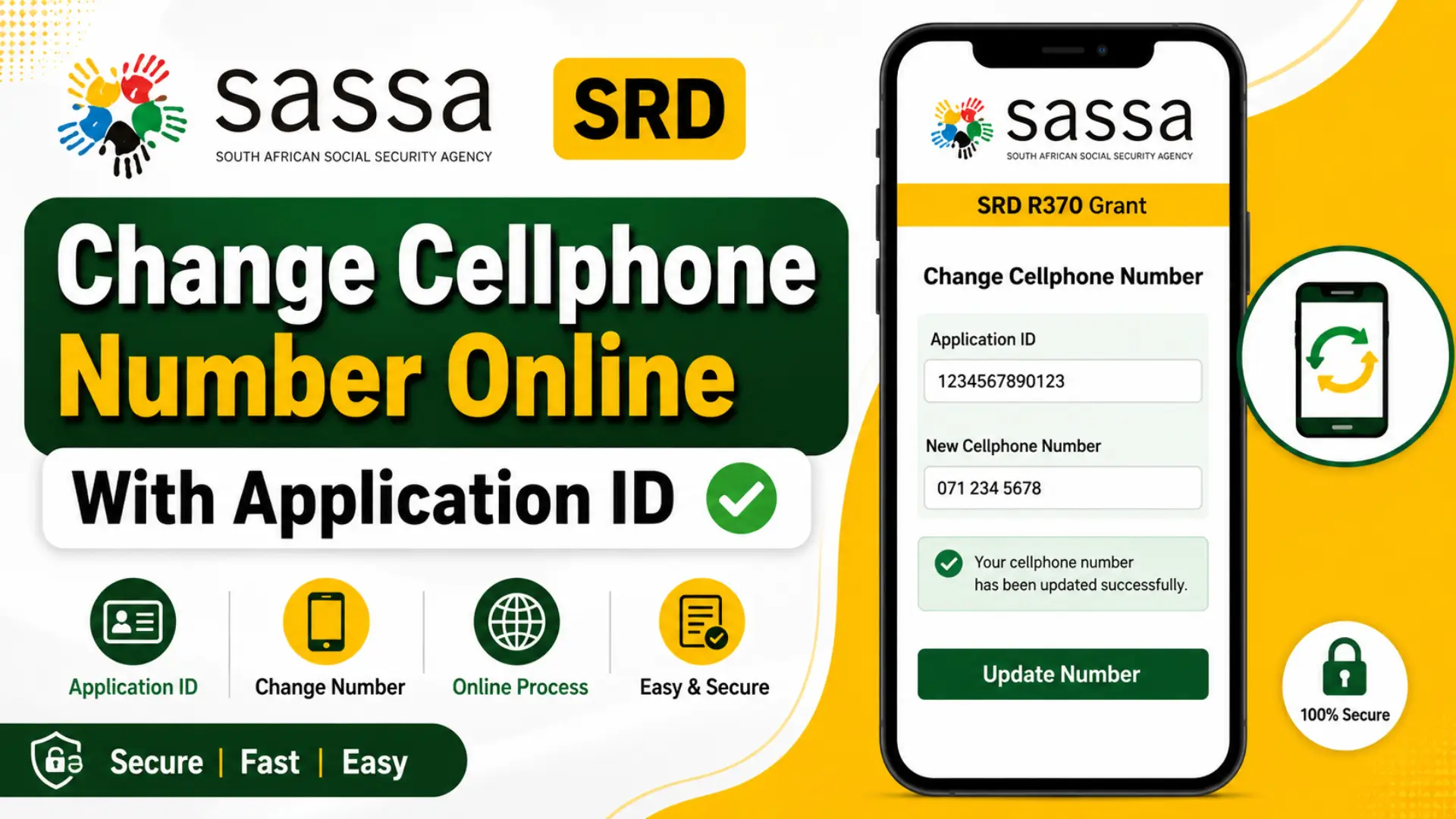
SRD change cellphone number online with application ID is something many South African grant recipients need to do and doing it quickly matters. Losing access to your registered phone number can delay important SASSA SRD R370 grant payment notifications and even put your account at risk.
In this complete 2026 guide, you will learn exactly how to update your number online, what your application ID is, how OTP verification works, and what to do if you hit a problem. Whether you lost your phone, switched to a new SIM, or submitted the wrong number this guide covers everything you need.
What Is SRD Change Cellphone Number Online With Application ID?
The SASSA SRD change cellphone number service lets you update the phone number linked to your Social Relief of Distress grant application. You can do this online through the official SASSA SRD website without visiting a SASSA office.
SASSA requires accurate contact details for every beneficiary. Your registered number is used to:
- Send payment notifications via SMS
- Deliver your SASSA OTP verification code when logging in
- Confirm changes to your SRD application update
- Alert you to any issues with your grant
If your number is wrong or inaccessible, you will miss critical updates about your SASSA SRD R370 grant. This could delay payments or cause you to miss an appeal deadline.
Beneficiaries need to update SASSA contact details whenever they change their SIM card, lose their phone, or notice the wrong number on their account.
Why You May Need to Change Your SRD Cellphone Number?
There are several common reasons why a SASSA change phone number request becomes necessary:
- Lost or stolen phone – You no longer have access to the SIM card registered on your application.
- New SIM card – You switched networks or got a new number after your old SIM expired.
- Incorrect number submitted – You entered a wrong digit when you first applied.
- Security concerns – Someone else has access to your old number and may receive your OTPs.
- Grant payment notifications – You need to receive SMS alerts for the SASSA change phone number for R350/R370 payments on your active line.
In all these cases, an SRD phone number update is the right step to take as soon as possible.
Requirements to Change SRD Cellphone Number Online
Before you start, make sure you have the following ready:
- Your South African ID number
- Your SASSA SRD application ID
- Access to your new cellphone number (the SIM must be in your phone and active)
- Basic personal information for verification (name, date of birth)
- Ability to receive an SASSA OTP verification SMS on your new number
Your new number must be active and in your possession at the time of the request. The OTP sent to your new number is what confirms the SRD grant phone number change.
How to Change SRD Cellphone Number Online With Application ID?
Follow these steps carefully to complete your change SRD cellphone number online request:
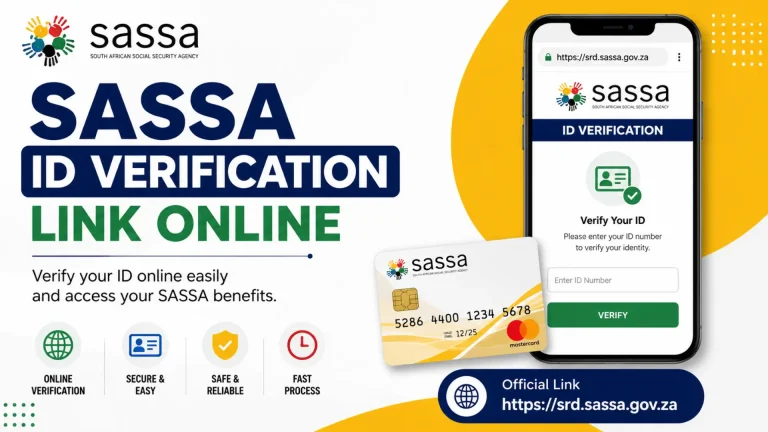
- Step 1 – Visit the official SRD website: Go to srd.sassa.gov.za. Do not use unofficial websites. Only the official portal will process your update securely.
- Step 2 – Open the phone number update section: Look for the option labelled “Update Contact Details” or “Change Phone Number.” Click on it to start.
- Step 3 – Enter your South African ID number: Type your 13-digit South African ID number exactly as it appears on your green ID book or smart ID card.
- Step 4 – Enter your application ID: Your SASSA SRD application ID is a unique reference number from your original grant application. Enter it in the field provided. (See the next section if you cannot find it.)
- Step 5 – Provide your new cellphone number: Type your new number carefully. Double-check it before moving on. A wrong digit means the OTP goes to the wrong person.
- Step 6 – Complete OTP verification: SASSA will send a one-time PIN to your new number. Enter it on the screen within the time limit. This SASSA OTP verification step confirms that you own the new number.
- Step 7 – Submit the request: Click “Submit” or “Confirm.” You will see a confirmation message on screen if successful.
After submission:
- Processing usually takes 24 to 48 hours
- You will receive an SMS on your new number confirming the change
- Some updates reflect immediately; others may take up to 3 business days
How to Find Your SASSA SRD Application ID?
Your SASSA SRD application ID is a reference number you received when you first applied for the SRD grant. Here is where to look for it:
- Original SMS from SASSA: Check your SMS inbox for messages received when you first applied. The application ID is usually included in that confirmation message.
- Email confirmation: If you applied online, SASSA may have sent an email with your reference number.
- Previous status check pages: If you ever checked your status on the SRD website, your application ID may have been displayed on screen.
- SASSA customer support: Call SASSA on 0800 60 10 11 (toll-free) or visit a local office. They can help you retrieve your ID after verifying your identity.
If you have lost both your phone and your application ID, read the section below on how to change SRD phone number without application ID covered in the FAQ.
Common Problems When Updating Your Phone Number
The SRD change cellphone number online without OTP or without correct details is one of the most common frustrations. Here are typical issues and how to fix them:
| Problem | Possible Solution |
|---|---|
| OTP not received | Wait 5 minutes and retry. Make sure your new SIM is active and has signal. |
| Incorrect application ID | Double-check your original SMS or call SASSA support to confirm your ID. |
| Verification failure | Ensure your ID number and personal details match what SASSA has on record. |
| Website error / page not loading | Clear your browser cache, try a different browser, or come back after a few hours. |
| SRD change cellphone number online WhatsApp number issues | SASSA does not update numbers via WhatsApp. Only use the official SRD portal. |
| Delayed update | Allow up to 3 business days. If the change does not reflect after that, contact SASSA support. |
Additionally, if you are trying to do an SRD change cellphone number online without OTP, be aware that SASSA requires OTP verification for security reasons. There is no way to skip this step through the standard online process. If your new number cannot receive an OTP, contact SASSA directly for assisted verification.
How to Check If Your New Number Has Been Updated?
Once you submit your request, confirm that the SRD phone number update went through:
- Perform a SASSA status check: Go to the SRD website and check your application status. Your new number should appear in your account details. Check SRD Status
- Check for an SMS: SASSA will send a confirmation SMS to your new number once the change is processed.
- Try logging in with your new number: If the portal requires your phone number to log in, try entering the new one. Success confirms the update is live.
- Contact SASSA support: If 3 business days have passed with no confirmation, call 0800 60 10 11 or visit SASSA contact details for more options.
You can also check your SASSA banking details update page at the same time to make sure all your payment information is current.
Important Tips for Keeping Your SRD Account Secure
Protecting your SRD account is just as important as keeping your contact details current. Follow these steps:
- Never share your OTP – SASSA will never ask for your OTP over the phone or via WhatsApp. If someone asks, it is a scam.
- Keep contact details updated – An outdated number means you miss payment alerts and security notifications.
- Always use your own SIM card – Never register someone else’s number on your account. This can lead to fraud.
- Protect your personal information – Your ID number and application ID are sensitive. Do not share them on social media or with strangers.
- Monitor your account regularly – Check your SRD status periodically to spot any unexpected changes.
- Use official channels only – Updates must be done on srd.sassa.gov.za. Unofficial sites may steal your information.
Moreover, if you believe your account has been compromised, contact SASSA immediately via the SASSA toll-free number at 0800 60 10 11.
Frequently Asked Questions
Conclusion
Keeping your contact information accurate is one of the simplest ways to protect your SASSA SRD R370 grant. The SRD change cellphone number online with application ID process is straightforward when you have the right details ready your ID number, application ID, new number, and access to receive an OTP.
As a result of completing this update, you will receive timely payment notifications, stay informed about your SASSA appeal status, and keep your account secure. Do not wait until you miss a payment before taking action.
Visit the official SASSA SRD website to update your cellphone number and continue receiving important grant notifications.